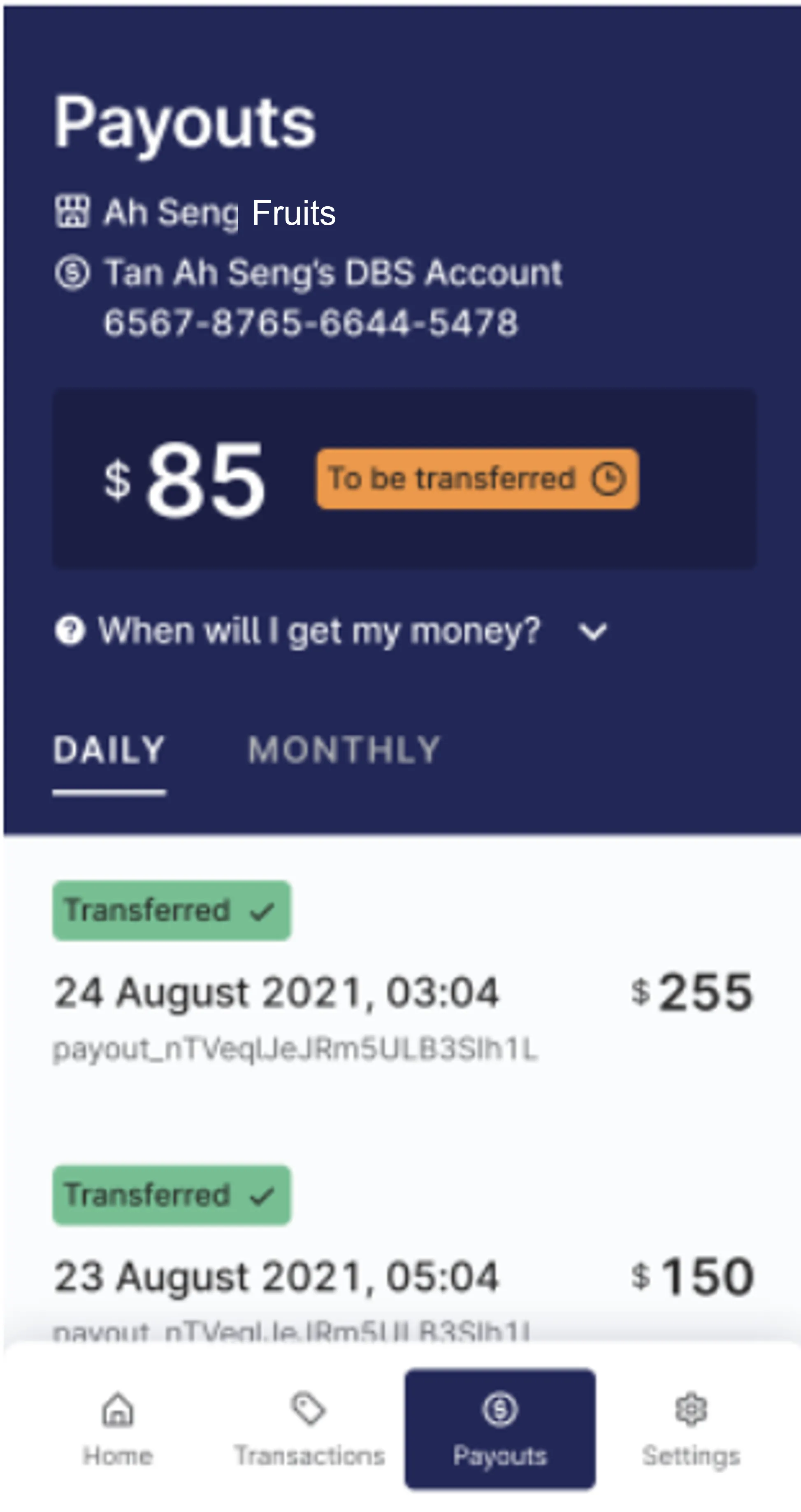
Guide to the RedeemSG Merchant app
This page provides a step-by-step guide on how merchants can use the RedeemSG Merchant app to scan and redeem CDC Vouchers from customers at their participating outlets.
Last updated on 3 June 2026

Guide to the RedeemSG Merchant app
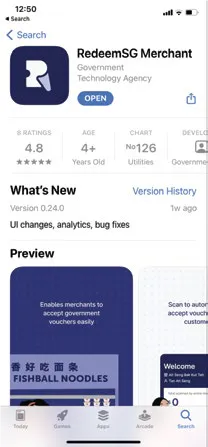
1: Download RedeemSG Merchant mobile app and log in with your mobile number
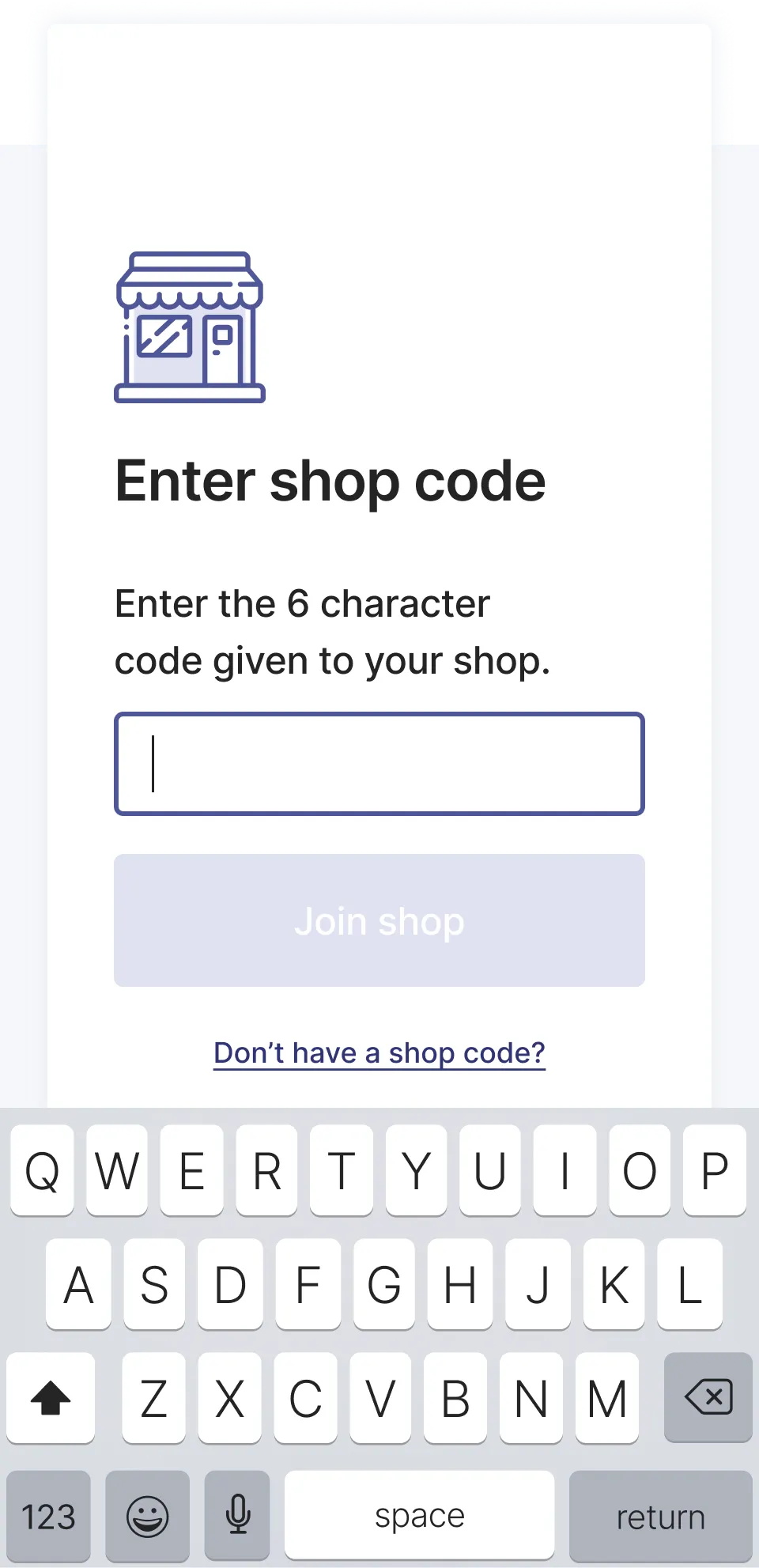
2: Key in the shop code provided by your co-worker or the CDC Vouchers Ambassador
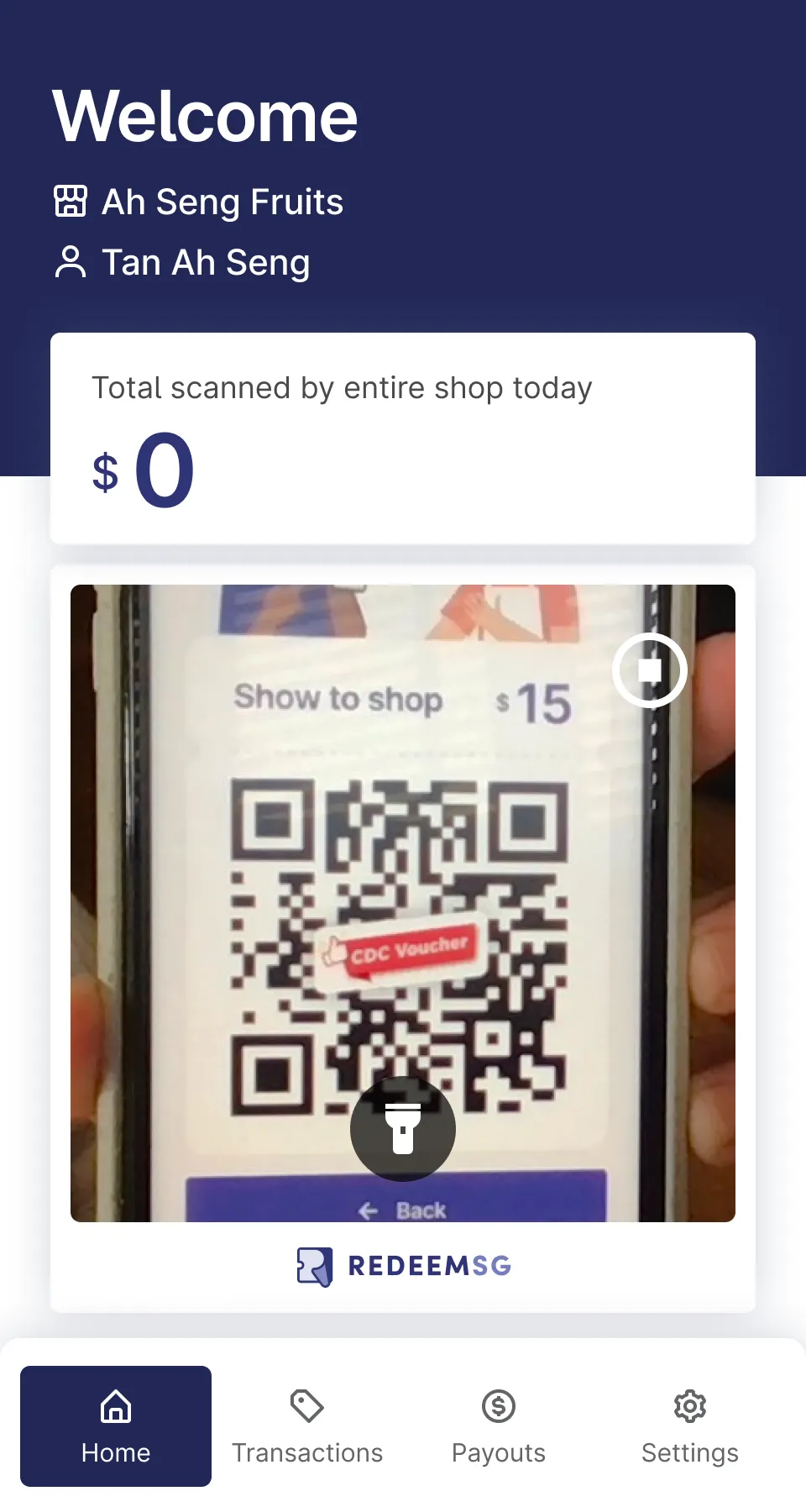
3: Start scanning vouchers
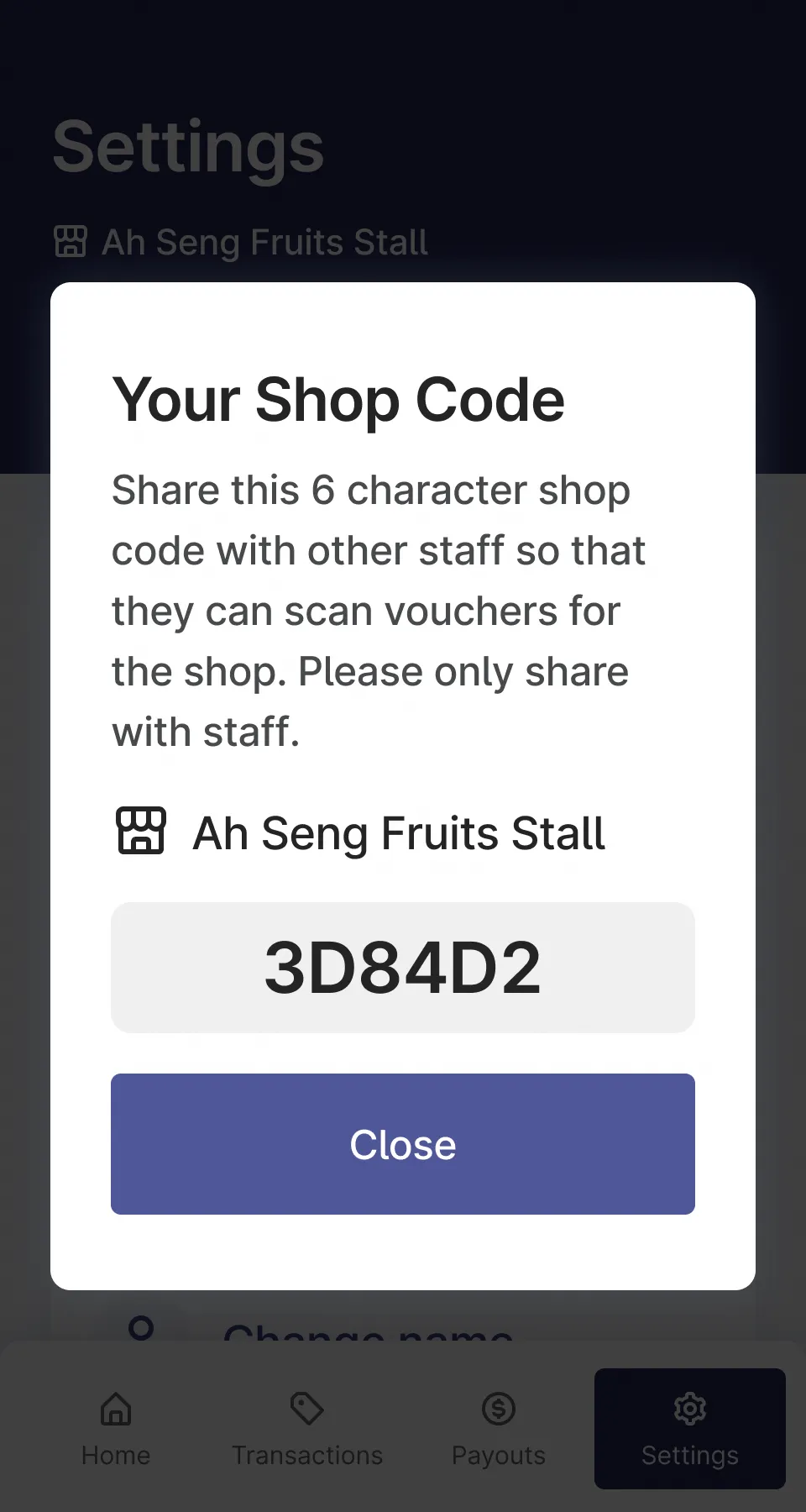
4: To add other staff members, show them the shop code
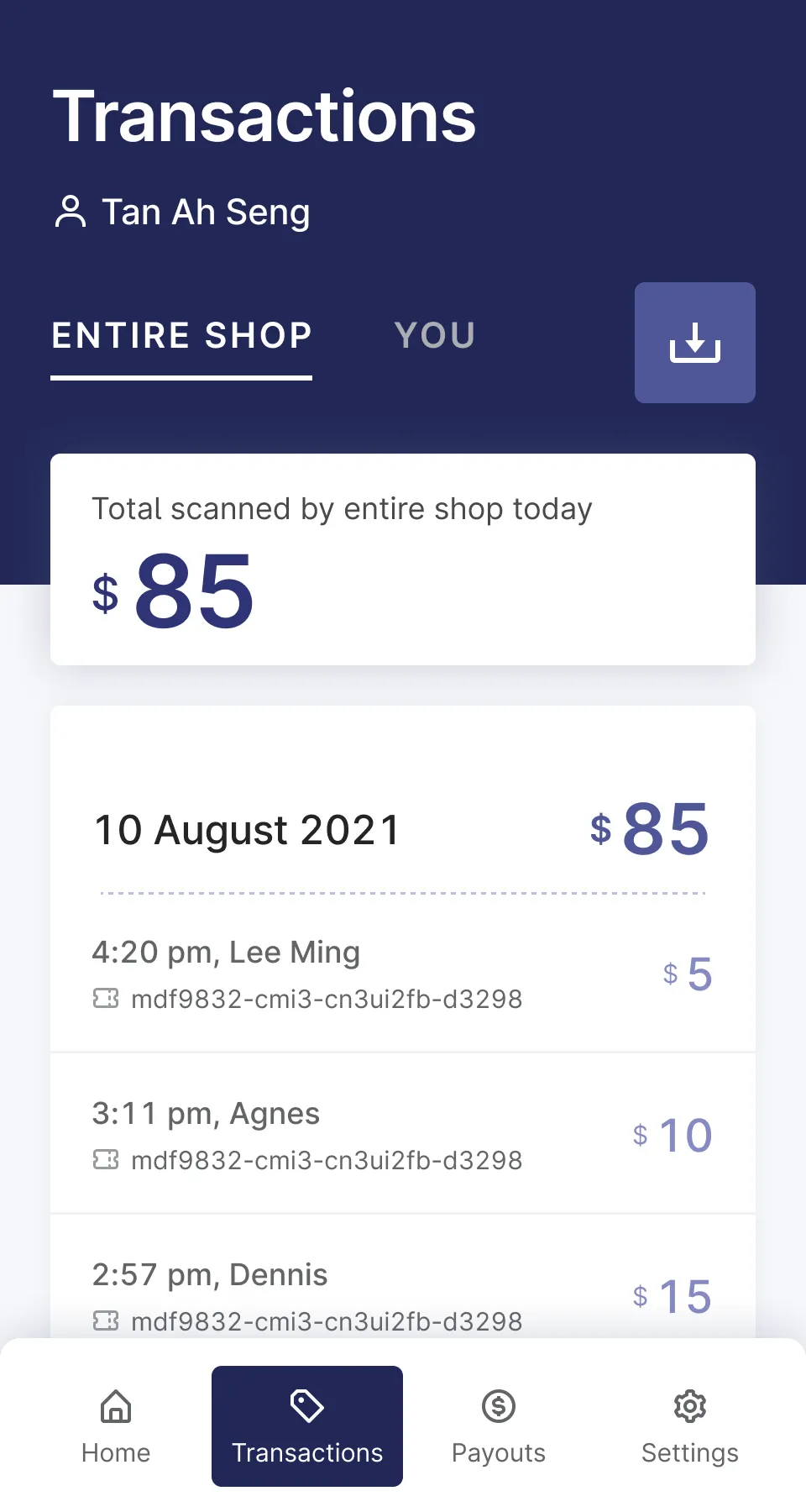
5: Tap "Transactions" to see vouchers you've scanned