A Singapore Government Agency Website How to identify
Official website links end with .gov.sg
Government agencies communicate via .gov.sg websites (e.g. go.gov.sg/open). Trusted websites
Secure websites use HTTPS
Look for a lock () or https:// as an added precaution. Share sensitive information only on official, secure websites.

Government officials will never ask you to transfer money or disclose bank log-in details over a phone call.

CDC Vouchers Scheme

Bagaimana untuk menggunakan RedeemSG Merchant
Halaman ini menyediakan panduan langkah demi langkah tentang cara pedagang menggunakan aplikasi RedeemSG Merchant untuk mengimbas dan menebus Baucar CDC daripada pelanggan di premis mereka.

Last updated 3 June 2026
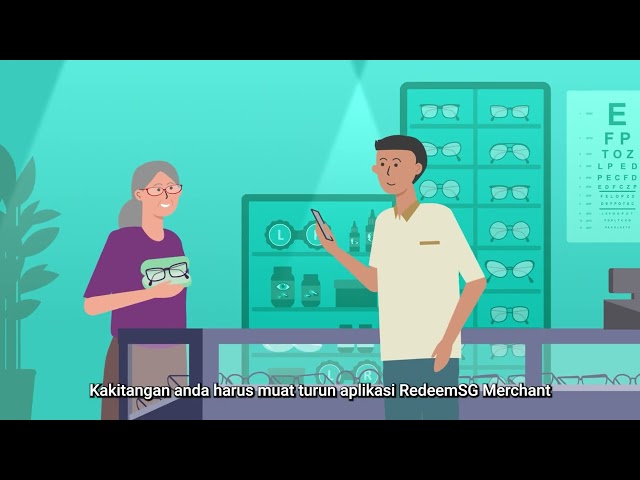
Thumbnail for CDC Vouchers Scheme - Merchants Video (Malay)

Bagaimana untuk menggunakan RedeemSG Merchant

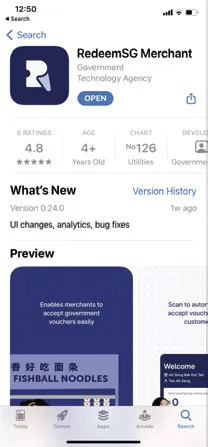
RedeemSG Merchant app in the App Store - Malay

1: Muat turun RedeemSG Merchant dan log mengguanakan nomber telefon bimbit anda
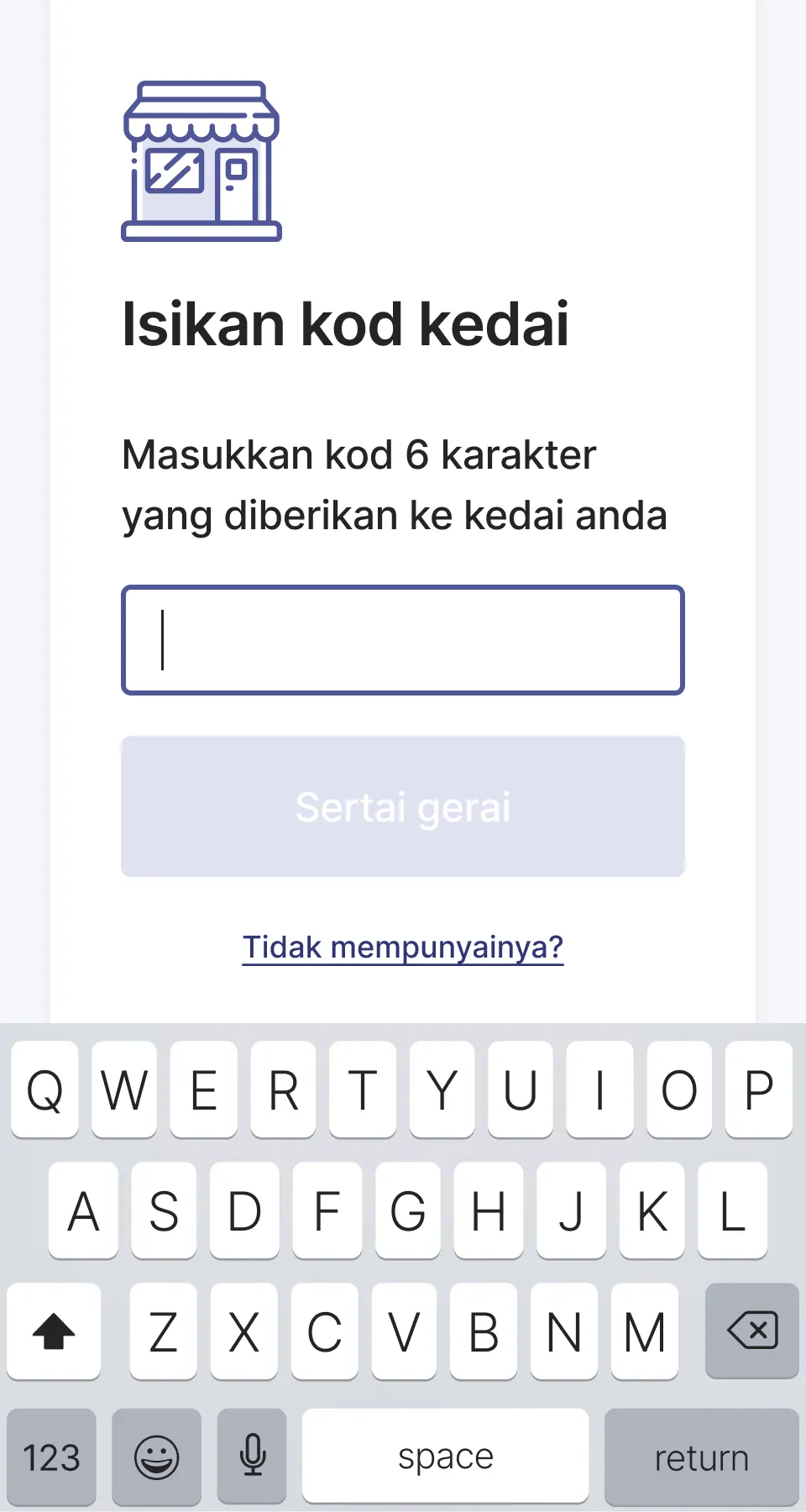
Shop code page in the RedeemSG Merchant app - Malay

2: Masukkan kod kedai yang disediakan oleh rakan sekerja atau Duta anda
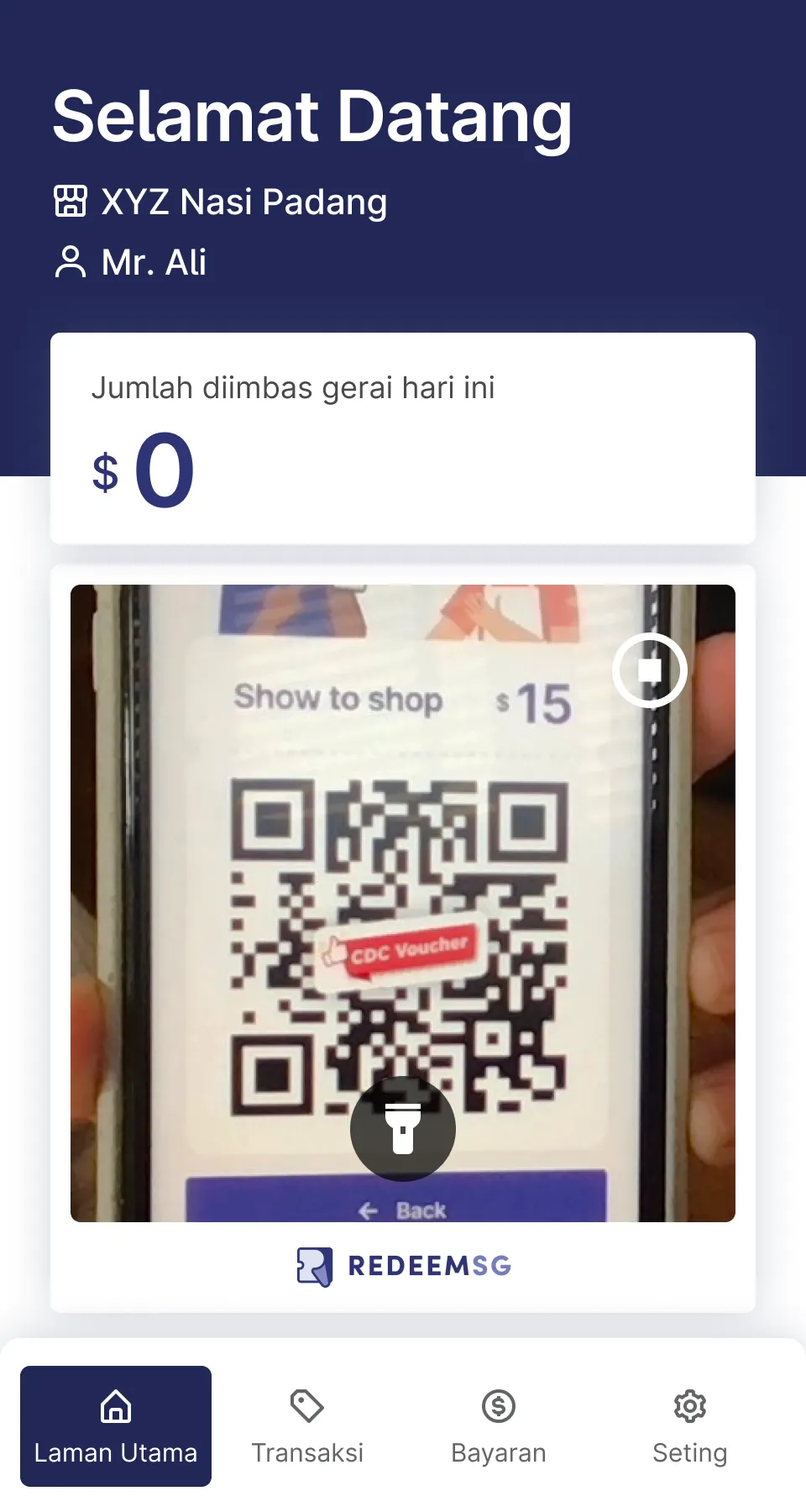
Scanning of vouchers in the RedeemSG Merchant app - Malay

3: Mulakan dengan mengimbas baucar

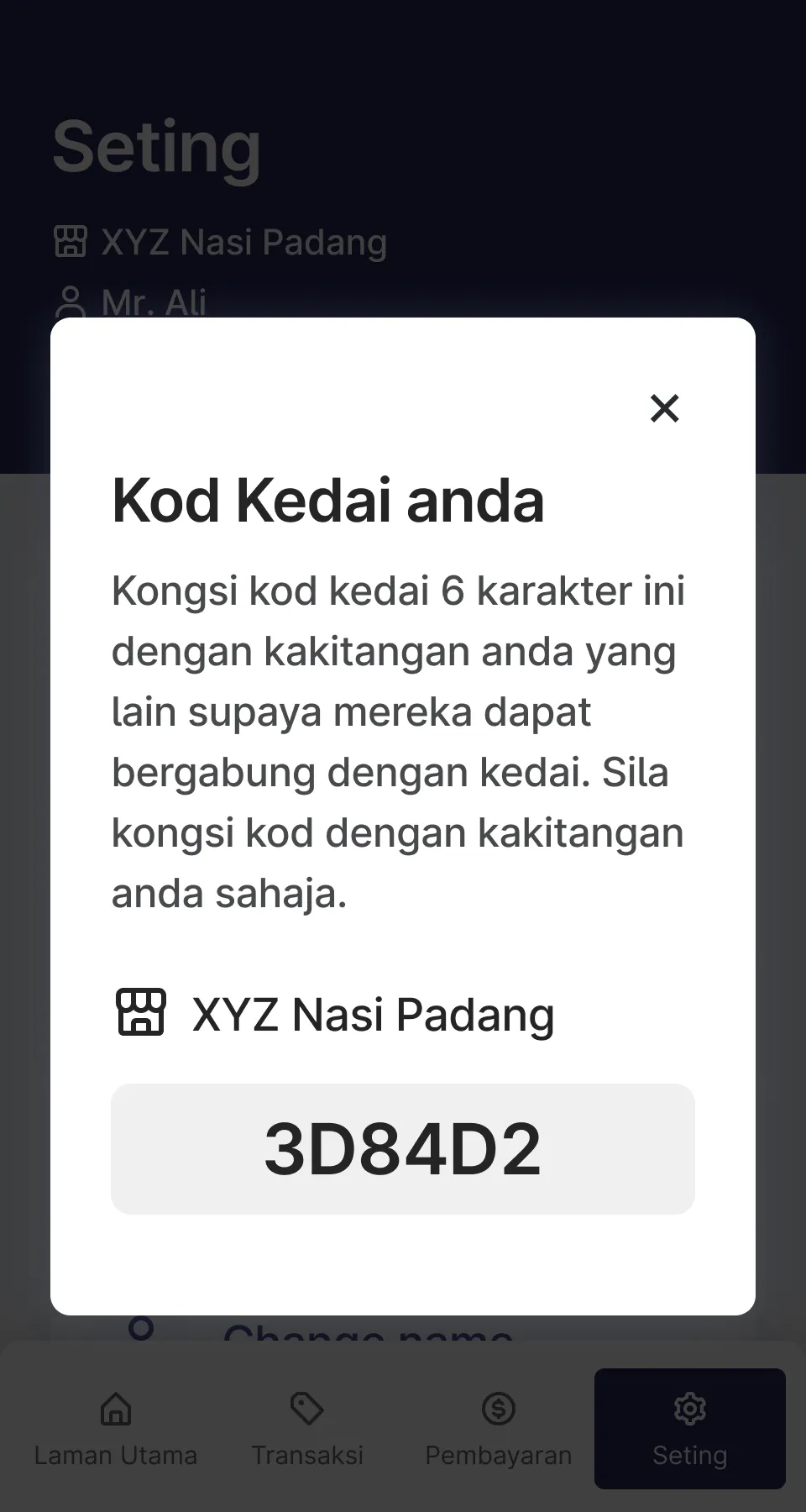
Display of shop code in the RedeemSG Merchant app - Malay

4: Untuk menambah anggota kakitangan yang lain, tunjukkan kod kedai kepada mereka
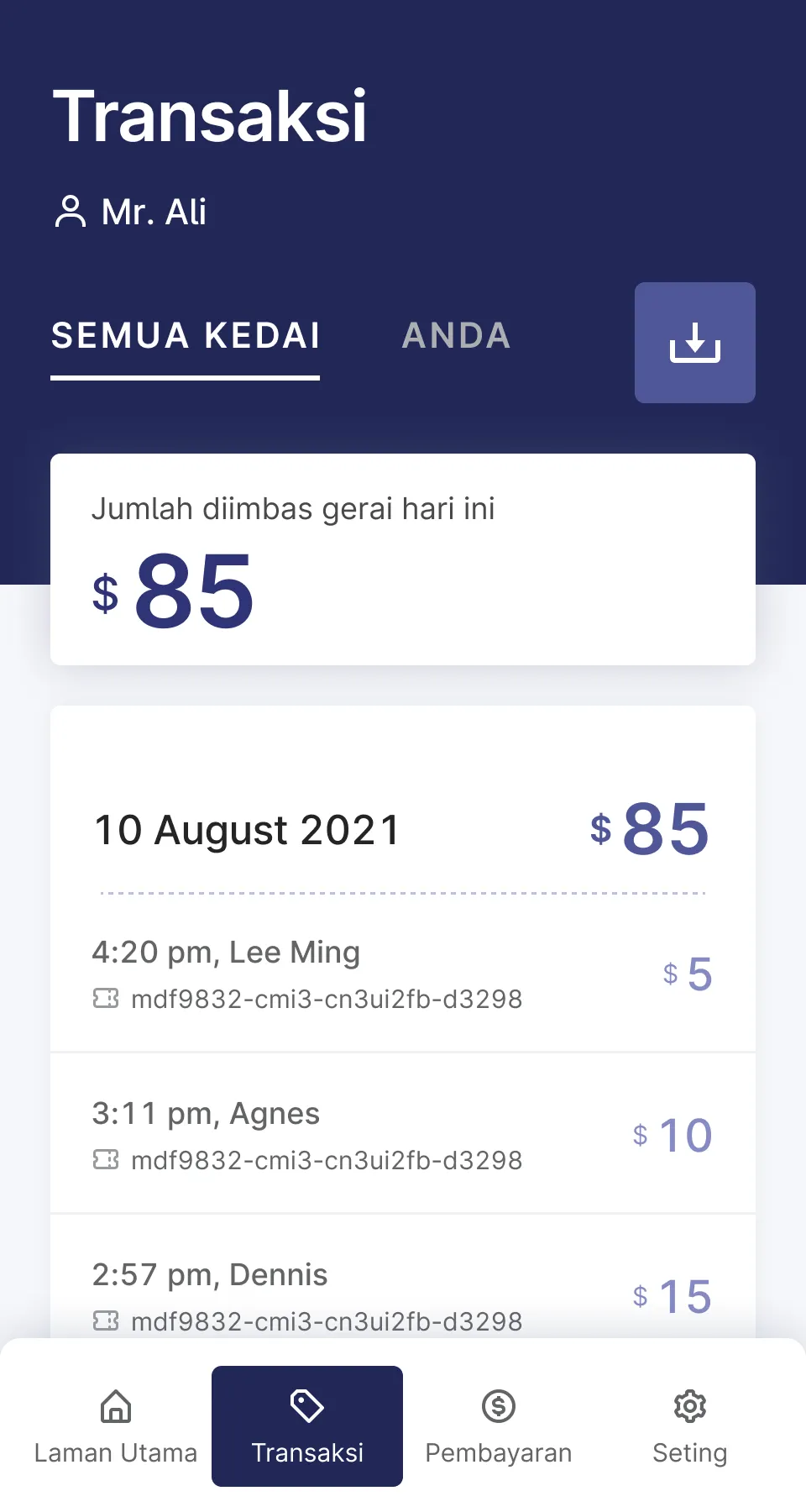
Transactions page in the RedeemSG Merchant app - Malay

5: Ketik "Transaksi" untuk melihat baucar yang telah anda imbas
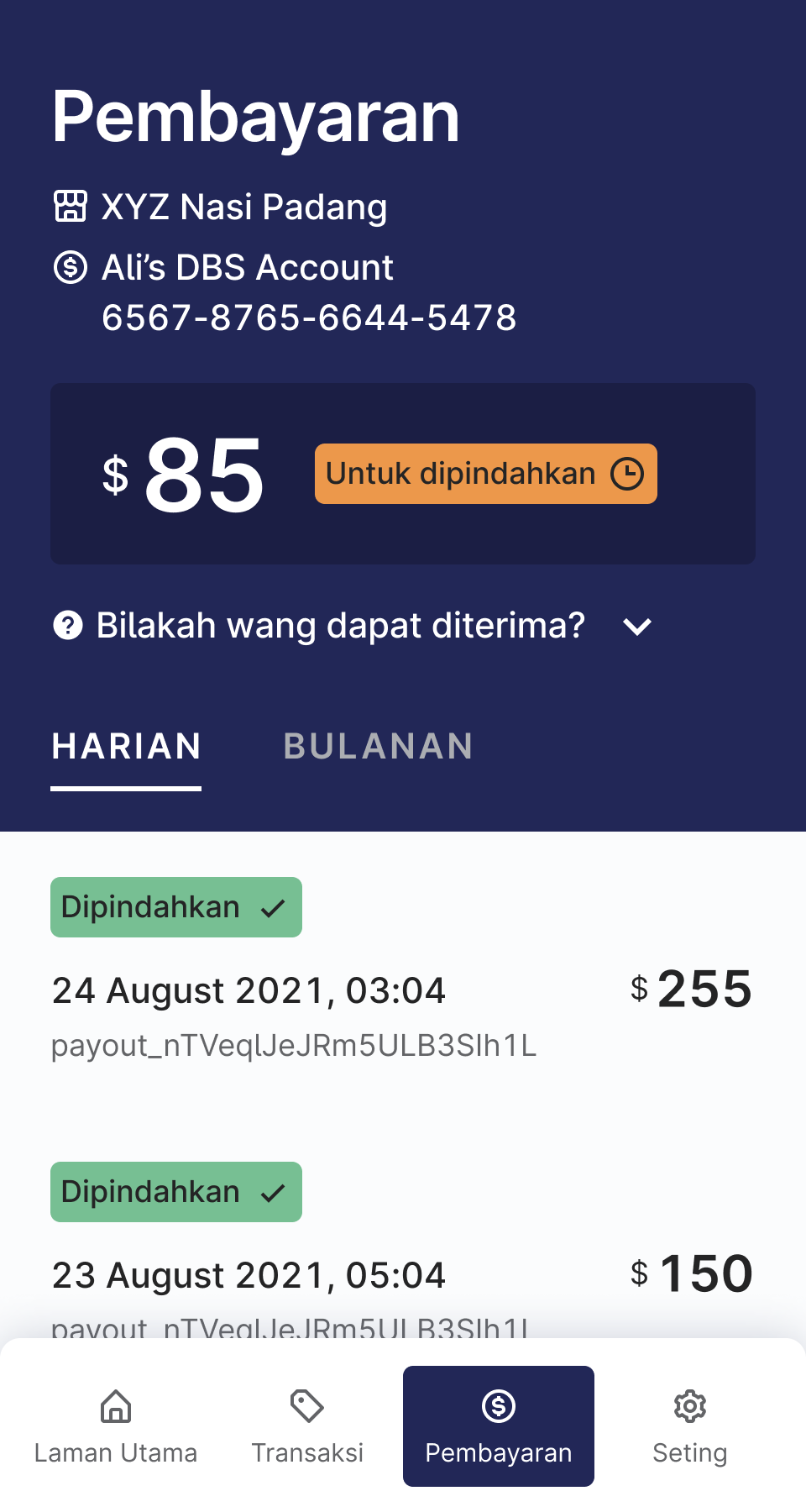
Payouts page in the RedeemSG Merchant app - Malay

6: Ketik "Pembayaran" untuk melihat pembayaran ke akaun bank anda